Packages
@pinprompt/next
A Next.js config wrapper that adds the source file and line to every element in preview and staging builds, so each pin points at code.
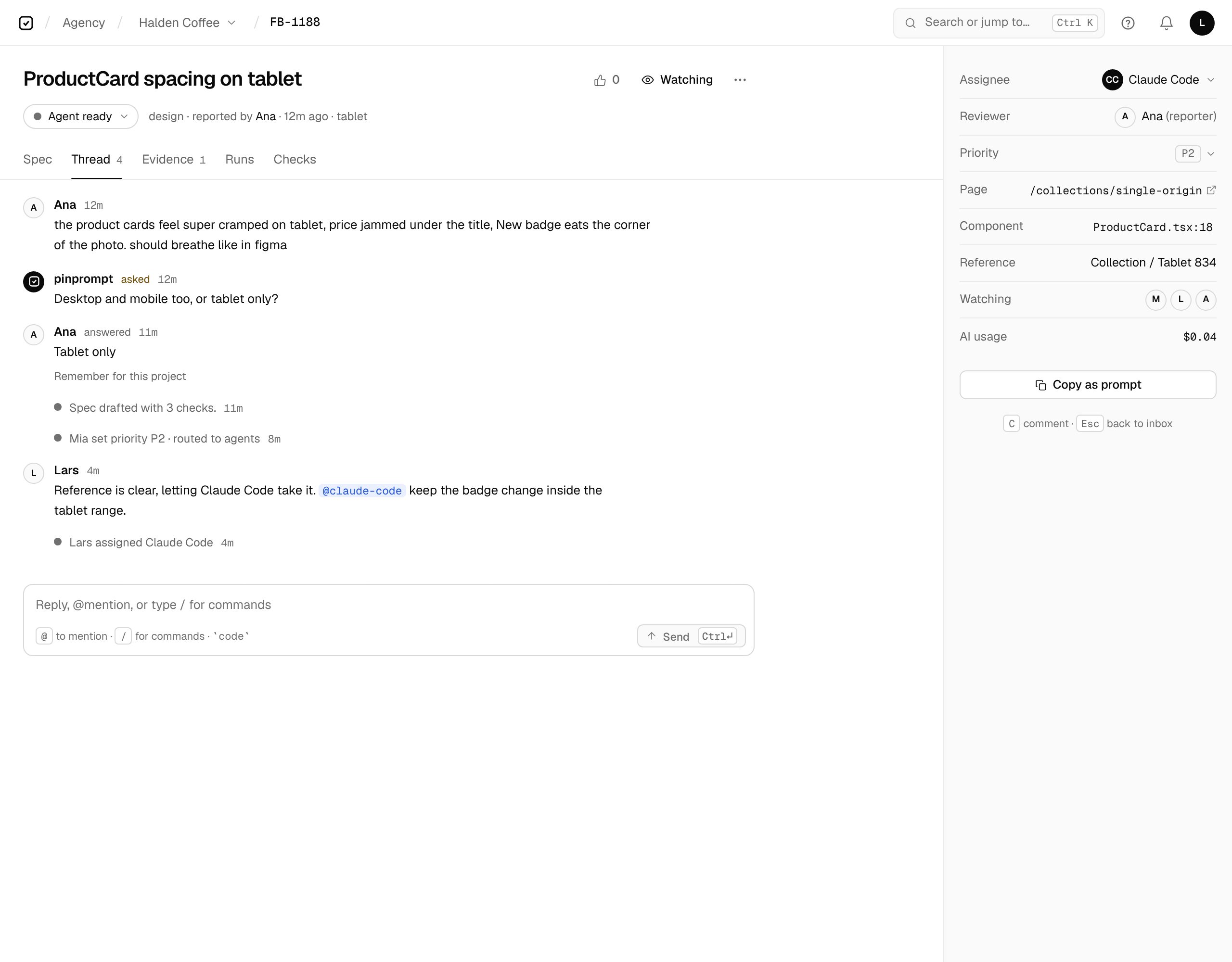
Without it, a pin knows the element's selector, text and styles. With it, the pin also knows src/components/catalog/ProductCard.tsx:18 and the component's name, and so does the agent that fixes it.
Install
npm install -D @pinprompt/next # or: pnpm add -D @pinprompt/next// next.config.ts
import { withPinprompt } from "@pinprompt/next";
export default withPinprompt(nextConfig);Works with Turbopack (next dev, the default in Next 16) and webpack.
To let clients give feedback without the extension, also pass your server and put <PinpromptReview /> in the root layout. Unlike the source attributes, this one is meant for every build. See Feedback without the extension.
export default withPinprompt(nextConfig, { review: "https://<your pinprompt>" });When it runs
| Build | Source attributes |
|---|---|
next dev | Yes |
PINPROMPT_SOURCE=1 next build (PR previews, staging) | Yes |
next build (production) | No. Without mask the config is returned untouched |
Set PINPROMPT_SOURCE=1 in the preview and staging environments of your host. PINPROMPT_SOURCE=0 turns it off everywhere. Production builds never carry file paths.
Mark private parts
Two ways to tell pinprompt which parts of the site show customer data, so they are masked in every screenshot and recording (Sensitive data):
import { Sensitive } from "@pinprompt/next/sensitive";

<Sensitive>{order.customer.name}</Sensitive>            // a <div style="display:contents">
<Sensitive as="span">{order.customer.email}</Sensitive>
// next.config.ts: these components' outermost element gets data-pinprompt-mask
export default withPinprompt(nextConfig, { mask: ["CustomerCard", "AddressBlock"] });Unlike the source attributes, both are kept in every build, production included: a site with one environment is reviewed on production. With mask set, a production build adds only data-pinprompt-mask, never file paths.
What it changes
- Adds
data-pinprompt-src="file:line"to lowercase elements (div,button,svg) your JSX renders, anddata-pinprompt-componentto each component's outermost element. - Leaves components, fragments and
node_modulesalone, and keeps any attribute you set yourself. - Inserts attributes inline, so line numbers don't move and source maps stay exact.
Tested on the Halden Coffee demo shop (Next.js 16, App Router). It hasn't run on a client site yet.