Getting started
Troubleshooting
The usual reasons the toolbar doesn't show, a sign-in link doesn't work, a pin lands on the wrong element or an agent can't take an item, and what to do about each.
The toolbar doesn't appear on the site
- The address isn't one of the project's. The extension only turns on at the addresses in Settings → General → Site URLs. A PR preview needs the preview pattern (
pr-*.example.app) to match. Ask an owner to check. - It's production. Capture is off on production until an owner switches on Allow capture on production (Your sites and hosting).
- The extension isn't connected. Open /extension on your pinprompt: the bar at the top says what's wrong and offers the fix (Install the extension).
- You're on a phone or in Safari or Firefox. Extensions don't run there. Use the project's review link instead (Feedback without the extension).
Screenshots fail
Chrome only lets an extension take a screenshot with access to all sites. If someone narrowed the extension's Site access, the icon shows ! and its popup offers Allow on all sites (Site access).
The sign-in link doesn't work
- A sign-in link works once and for 15 minutes. Ask for a new one on the sign-in page.
- Opening the link shows Sign in as you@company.com with a Sign in button: you're signed in when you press it, not before. That's on purpose. Many companies' email security (Mimecast, Microsoft Defender Safe Links, Proofpoint and others) opens every link in an email to check it before you do. If opening the link signed you in, the scanner would use it up and you'd get expired. Sign-in emails sent before this change work the same way.
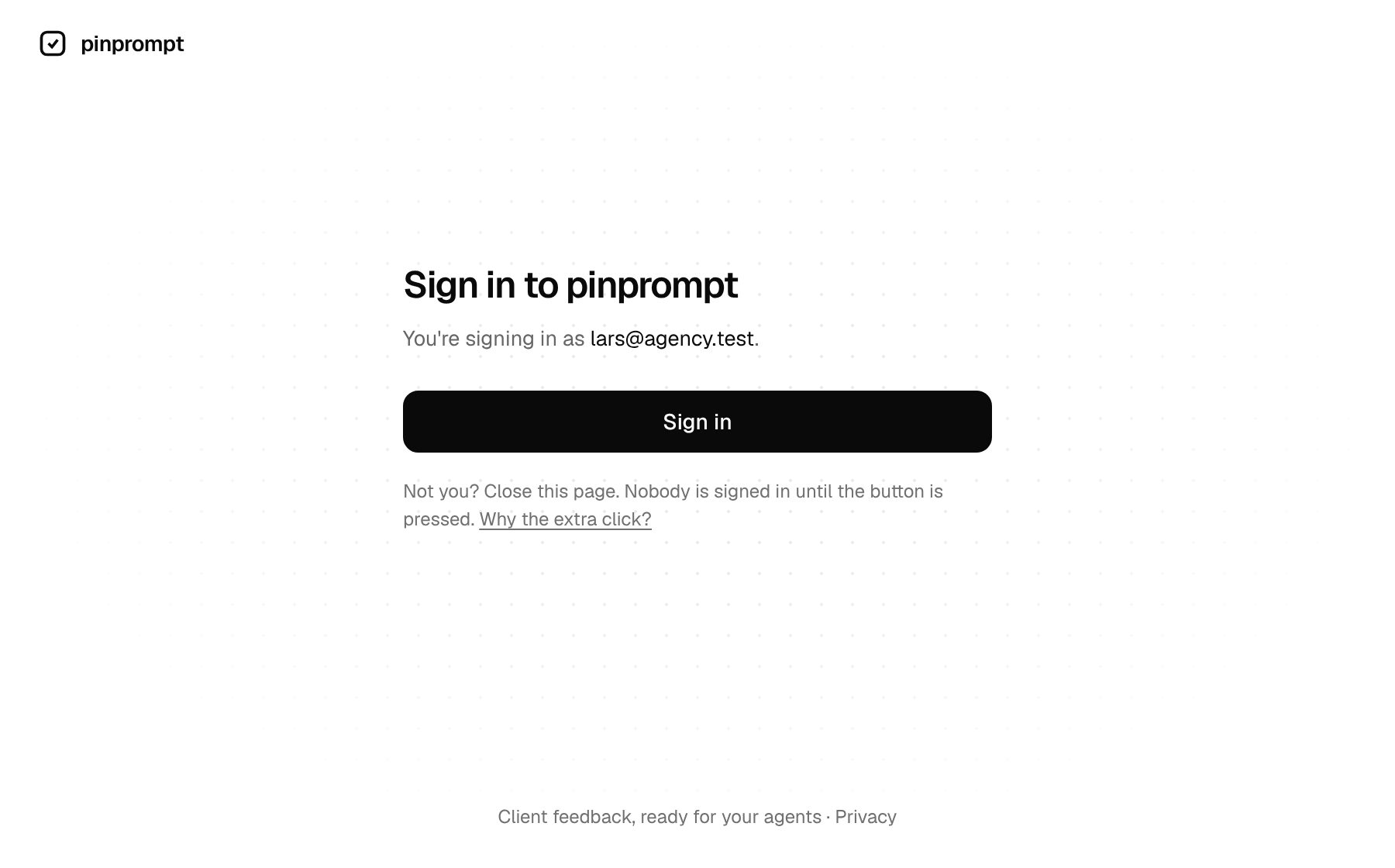
- "This sign-in link has expired" right after the email came: someone or something pressed Sign in on it first, or you opened an older email. Ask for a new link and use the newest email.
- An invite link works for 14 days. If it ran out, ask the team to invite you again.
- No email? Check spam, and that the address is the one you were invited with. pinprompt only sends links to people who are members or invited.
- "Your pinprompt workspace is suspended": the people who run this pinprompt server suspended it, and nobody can sign in until they lift it. Nothing is deleted. Its owners got an email saying why (suspending a workspace).
A pin doesn't show on its page
- It's at another size or not on the page now. Open This page in the Open menu: it lists every open item of the page, with the ones filed at another screen width or whose element isn't showing (Pin feedback).
- You're a client and a teammate left it. Clients see their own pins and the ones they added a +1 to.
- The page picks its content by
?…./product?id=12and/product?id=13are one page to pinprompt, so a pin from the other product shows as Can't find where this was. - It's done. Done and won't-fix items have no pin; find them in the project's inbox.
Up to release 0.4.6, pins on addresses with some kinds of ids, such as order numbers starting with 00, were saved but didn't show again. They show again once the server is on 0.5.0. Because the old address had the id hidden (/orders/[phone]), such a pin now shows on every page whose address was hidden the same way, for example every order whose number starts with 00; the element it was left on decides where it's drawn. Pins left after the update stay on their own page.
A pin is on the wrong element
Press Esc and pick again: the outline shows what you'll pin before you click. For menus that open on hover, hover the menu open first, then press C (Pin feedback). If a pin moved after the page changed, say so in the thread; the screenshot shows what you pinned.
An agent can't claim an item
Agents only claim items in Agent ready. The refusal says why:
- Ready to approve: a person reads and approves the spec first.
- With people: the item, or its kind, is kept for a person (When an item is kept for people).
- Already claimed: another agent has it. It can release it, or a person reassigns it.
Drafts are slow or Claude isn't drafting
Claude drafting needs an Anthropic API key on the server. When the workspace's monthly Claude spending cap is reached, or Claude keeps failing, the rule-based drafter takes over and owners see a banner. If waiting for a draft gets in the way, turn on Just comment for the project.
Still stuck
Use Feedback on pinprompt in the account menu: it goes to whoever runs your pinprompt server, with what you were looking at (Feedback on pinprompt).